How to Open a text File into Textbox || richTextBox in C#
Hello friend’s this is Rashid Hussain come with another video tutorial. In this tutorial I’ll show you how to open text or word file in RichTextBox or TextBox in c# winform application.
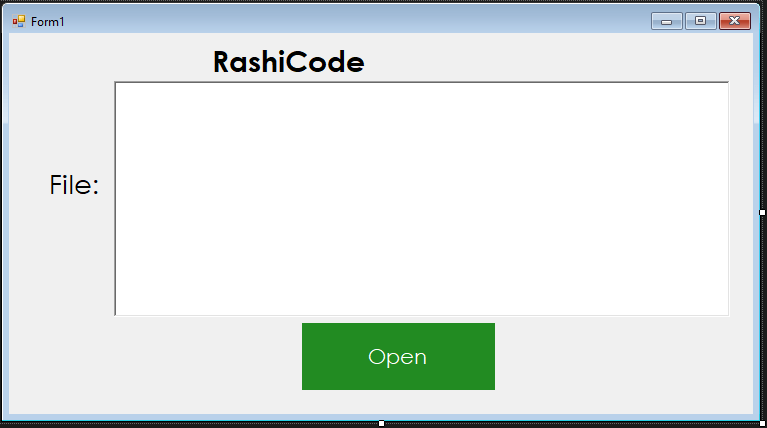
Create new windows Form application in visual studio. follow the steps
drag Button and RichTextBox from toolbox and design them.
Form.cs Code
using System;
using System.Collections.Generic;
using System.ComponentModel;
using System.Data;
using System.Drawing;
using System.IO;
using System.Linq;
using System.Text;
using System.Threading.Tasks;
using System.Windows.Forms;

namespace OpenTextFile
{
public partial class Form1 : Form
{
public Form1()
{
InitializeComponent();
}

private void button1_Click(object sender, EventArgs e)
{
OpenFileDialog openFileDialog = new OpenFileDialog();
if (openFileDialog.ShowDialog()==DialogResult.OK)
{
string text = File.ReadAllText(openFileDialog.FileName);
richTextBox1.Text = text;
}
}
}
}